
Fitbit Web Set Up Instructions
This guide provides step-by-step instructions for syncing your Fitbit device with the WellRight platform.
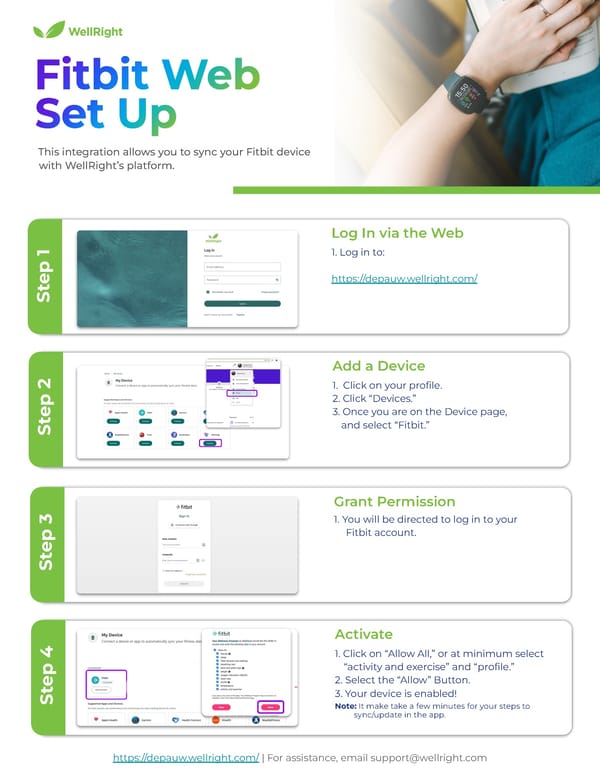
Step 4 This integration allows you to sync your Fitbit device with WellRight’s platform. 1. Log in to: https://depauw.wellright.com/ Log In via the Web Step 1 1. Click on your profile. 2. Click “Devices.” 3. Once you are on the Device page, and select “Fitbit.” Add a Device Step 2 1. You will be directed to log in to your Fitbit account. Grant Permission Step 3 1. Click on “Allow All,” or at minimum select “activity and exercise” and “profile.” 2. Select the “Allow” Button. 3. Your device is enabled! Note: It make take a few minutes for your steps to sync/update in the app. Activate https://depauw.wellright.com/ | For assistance, email support@wellright.com
 Fitbit Web Set Up Instructions Page 2