
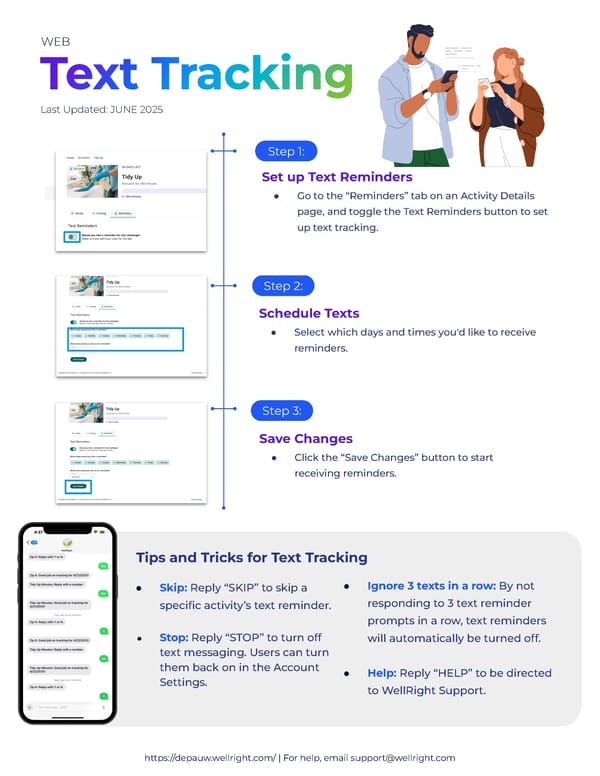
https://depauw.wellright.com/ | For help, email support@wellright.com Tips and Tricks for Text Tracking ● Skip: Reply “SKIP” to skip a specific activity’s text reminder. ● Stop: Reply “STOP” to turn off text messaging. Users can turn them back on in the Account Settings. ● Ignore 3 texts in a row: By not responding to 3 text reminder prompts in a row, text reminders will automatically be turned off. ● Help: Reply “HELP” to be directed to WellRight Support. Last Updated: JUNE 2025 Set up Text Reminders ● Go to the “Reminders” tab on an Activity Details page, and toggle the Text Reminders button to set up text tracking. Step 1: Step 2: Step 3: Schedule Texts ● Select which days and times you'd like to receive reminders. Save Changes ● Click the “Save Changes” button to start receiving reminders. WEB
 Getting to Know Your Wellright Wellness Program Page 7 Page 9