
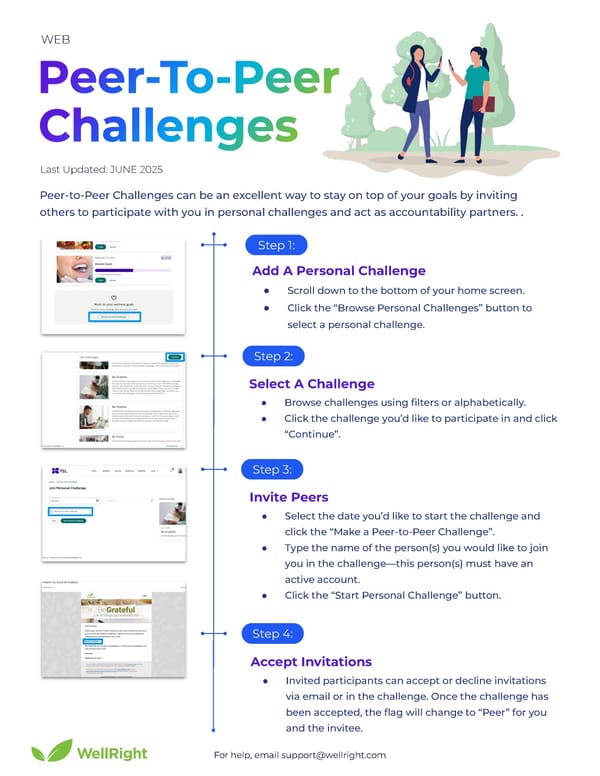
Peer-to-Peer Challenges can be an excellent way to stay on top of your goals by inviting others to participate with you in personal challenges and act as accountability partners. . For help, email support@wellright.com Last Updated: JUNE 2025 Add A Personal Challenge ● Scroll down to the bottom of your home screen. ● Click the “Browse Personal Challenges” button to select a personal challenge. Step 1: Step 2: Step 3: Step 4: Select A Challenge ● Browse challenges using filters or alphabetically. ● Click the challenge you’d like to participate in and click “Continue”. Invite Peers ● Select the date you’d like to start the challenge and click the “Make a Peer-to-Peer Challenge”. ● Type the name of the person(s) you would like to join you in the challenge—this person(s) must have an active account. ● Click the “Start Personal Challenge” button. Accept Invitations ● Invited participants can accept or decline invitations via email or in the challenge. Once the challenge has been accepted, the flag will change to “Peer” for you and the invitee. WEB
 Getting to Know Your Wellright Wellness Program Page 9 Page 11