
Telus Health - Perks FAQ
An informative guide on accessing and using the TELUS Health Perks platform, including details on cashback offers and purchasing policy.
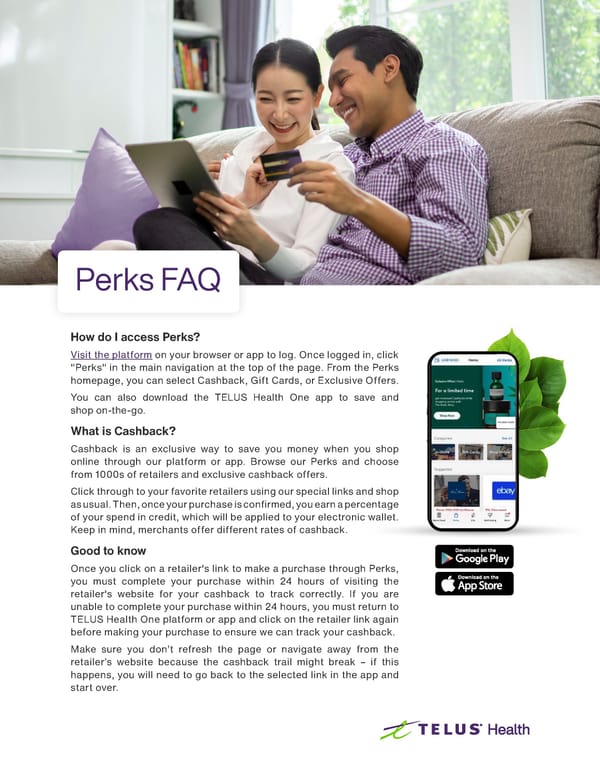
Perks FAQ How do I access Perks? Visit the platform on your browser or app to log. Once logged in, click "Perks" in the main navigation at the top of the page. From the Perks homepage, you can select Cashback, Gift Cards, or Exclusive Offers. You can also download the TELUS Health One app to save and shop on-the-go. What is Cashback? Cashback is an exclusive way to save you money when you shop online through our platform or app. Browse our Perks and choose from 1000s of retailers and exclusive cashback offers. Click through to your favorite retailers using our special links and shop as usual. Then, once your purchase is confirmed, you earn a percentage of your spend in credit, which will be applied to your electronic wallet. Keep in mind, merchants offer different rates of cashback. Good to know Once you click on a retailer's link to make a purchase through Perks, you must complete your purchase within 24 hours of visiting the retailer's website for your cashback to track correctly. If you are unable to complete your purchase within 24 hours, you must return to TELUS Health One platform or app and click on the retailer link again before making your purchase to ensure we can track your cashback. Make sure you don’t refresh the page or navigate away from the retailer’s website because the cashback trail might break – if this happens, you will need to go back to the selected link in the app and start over.
 Telus Health - Perks FAQ Page 2