
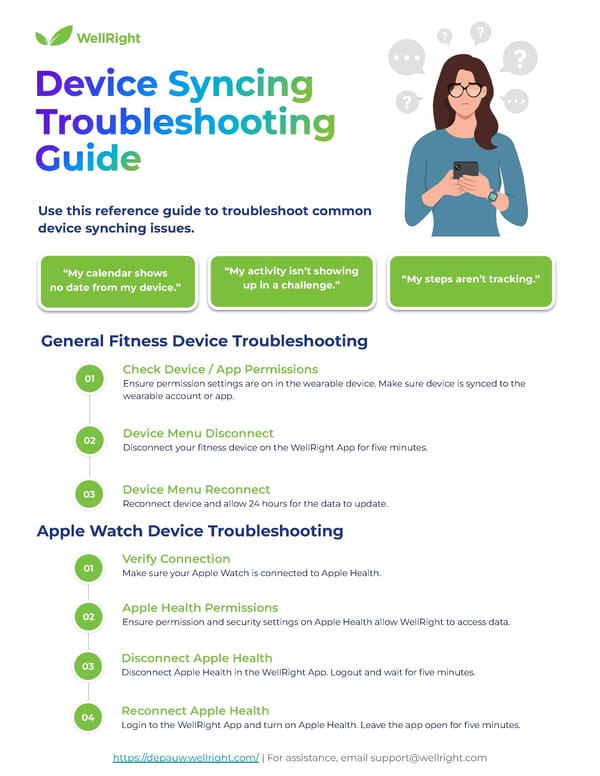
Use this reference guide to troubleshoot common device synching issues. https://depauw.wellright.com/ | For assistance, email support@wellright.com Ensure permission settings are on in the wearable device. Make sure device is synced to the wearable account or app. Check Device / App Permissions Disconnect your fitness device on the WellRight App for five minutes. Device Menu Disconnect Reconnect device and allow 24 hours for the data to update. Device Menu Reconnect General Fitness Device Troubleshooting Make sure your Apple Watch is connected to Apple Health. Verify Connection Ensure permission and security settings on Apple Health allow WellRight to access data. Apple Health Permissions Disconnect Apple Health in the WellRight App. Logout and wait for five minutes. Disconnect Apple Health Apple Watch Device Troubleshooting Login to the WellRight App and turn on Apple Health. Leave the app open for five minutes. Reconnect Apple Health “My calendar shows no date from my device.” “My activity isn’t showing up in a challenge.” “My steps aren’t tracking.” 01 02 03 01 02 03 04
 Fitbit Web Set Up Instructions Page 8