
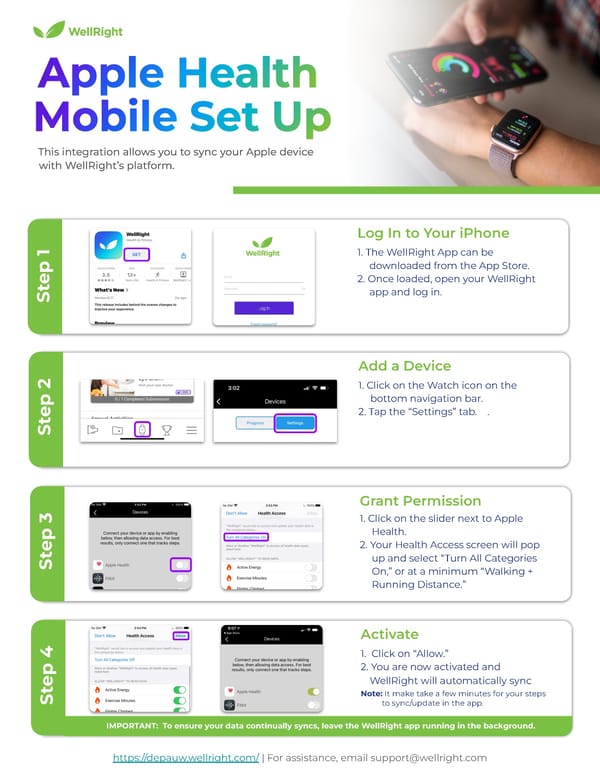
Step 4 IMPORTANT: To ensure your data continually syncs, leave the WellRight app running in the background. This integration allows you to sync your Apple device with WellRight’s platform. https://depauw.wellright.com/ | For assistance, email support@wellright.com 1. The WellRight App can be downloaded from the App Store. 2. Once loaded, open your WellRight app and log in. Log In to Your iPhone Step 1 1. Click on the Watch icon on the bottom navigation bar. 2. Tap the “Settings” tab. . Add a Device Step 2 1. Click on the slider next to Apple Health. 2. Your Health Access screen will pop up and select “Turn All Categories On,” or at a minimum “Walking + Running Distance.” Grant Permission Step 3 1. Click on “Allow.” 2. You are now activated and WellRight will automatically sync Note: It make take a few minutes for your steps to sync/update in the app. Activate
 Fitbit Web Set Up Instructions Page 6 Page 8