
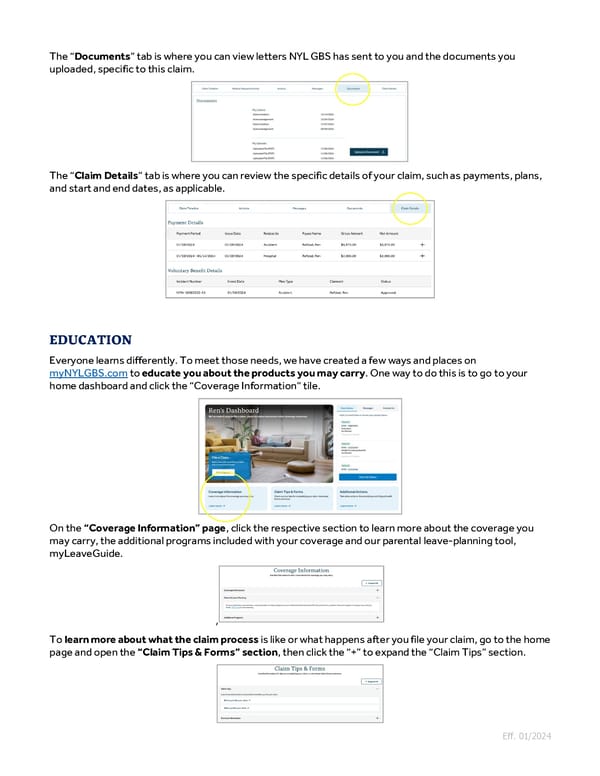
The “Documents” tab is where you can view letters NYL GBS has sent to you and the documents you uploaded, specific to this claim. The “Claim Details” tab is where you can review the specific details of your claim, such as payments, plans, and start and end dates, as applicable. Everyone learns differently. To meet those needs, we have created a few ways and places on myNYLGBS.com to educate you about the products you may carry. One way to do this is to go to your home dashboard and click the “Coverage Information” tile. On the “Coverage Information” page, click the respective section to learn more about the coverage you may carry, the additional programs included with your coverage and our parental leave-planning tool, myLeaveGuide. , To learn more about what the claim process is like or what happens after you file your claim, go to the home page and open the “Claim Tips & Forms” section, then click the “+” to expand the “Claim Tips” section. Eff. 01/2024
 Guide to Filing Voluntary Benefits Claims on myNYLGBS.com Page 5 Page 7