
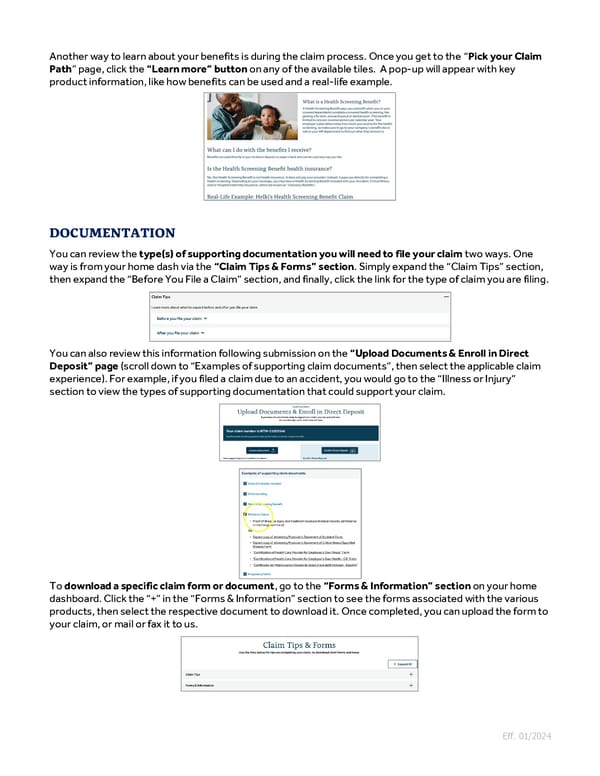
Another way to learn about your benefits is during the claim process. Once you get to the “Pick your Claim Path” page, click the “Learn more” button on any of the available tiles. A pop-up will appear with key product information, like how benefits can be used and a real-life example. You can review the type(s) of supporting documentation you will need to file your claim two ways. One way is from your home dash via the “Claim Tips & Forms” section. Simply expand the “Claim Tips” section, then expand the “Before You File a Claim” section, and finally, click the link for the type of claim you are filing. You can also review this information following submission on the “Upload Documents & Enroll in Direct Deposit” page (scroll down to “Examples of supporting claim documents”, then select the applicable claim experience). For example, if you filed a claim due to an accident, you would go to the “Illness or Injury” section to view the types of supporting documentation that could support your claim. To download a specific claim form or document, go to the “Forms & Information” section on your home dashboard. Click the “+” in the “Forms & Information” section to see the forms associated with the various products, then select the respective document to download it. Once completed, you can upload the form to your claim, or mail or fax it to us. Eff. 01/2024
 Guide to Filing Voluntary Benefits Claims on myNYLGBS.com Page 6 Page 8