
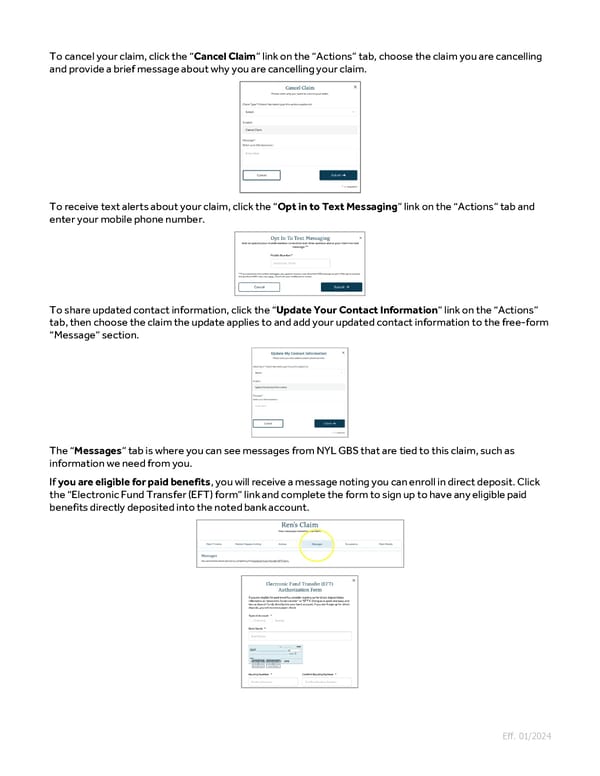
To cancel your claim, click the “Cancel Claim” link on the “Actions” tab, choose the claim you are cancelling and provide a brief message about why you are cancelling your claim. To receive text alerts about your claim, click the “Opt in to Text Messaging” link on the “Actions” tab and enter your mobile phone number. To share updated contact information, click the “Update Your Contact Information” link on the “Actions” tab, then choose the claim the update applies to and add your updated contact information to the free-form “Message” section. The “Messages” tab is where you can see messages from NYL GBS that are tied to this claim, such as information we need from you. If you are eligible for paid benefits, you will receive a message noting you can enroll in direct deposit. Click the “Electronic Fund Transfer (EFT) form” link and complete the form to sign up to have any eligible paid benefits directly deposited into the noted bank account. Eff. 01/2024
 Guide to Filing Voluntary Benefits Claims on myNYLGBS.com Page 4 Page 6