
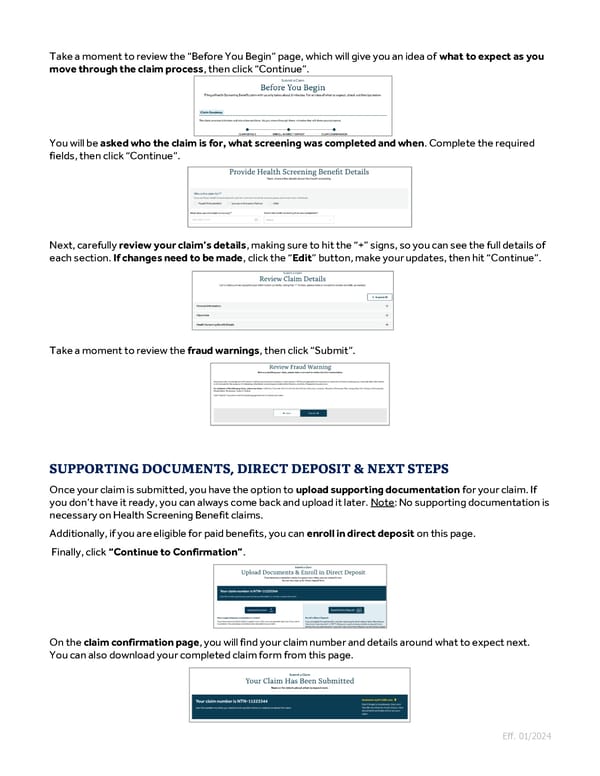
Take a moment to review the “Before You Begin” page, which will give you an idea of what to expect as you move through the claim process, then click “Continue”. You will be asked who the claim is for, what screening was completed and when. Complete the required fields, then click “Continue”. Next, carefully review your claim’s details, making sure to hit the “+” signs, so you can see the full details of each section. If changes need to be made, click the “Edit” button, make your updates, then hit “Continue”. Take a moment to review the fraud warnings, then click “Submit”. Once your claim is submitted, you have the option to upload supporting documentation for your claim. If you don’t have it ready, you can always come back and upload it later. Note: No supporting documentation is necessary on Health Screening Benefit claims. Additionally, if you are eligible for paid benefits, you can enroll in direct deposit on this page. Finally, click “Continue to Confirmation”. On the claim confirmation page, you will find your claim number and details around what to expect next. You can also download your completed claim form from this page. Eff. 01/2024
 Guide to Filing Voluntary Benefits Claims on myNYLGBS.com Page 2 Page 4