
Navitus Mobile App User Guide
This guide provides instructions on downloading, registering, and using the features of the Navitus mobile app for managing pharmacy benefits.
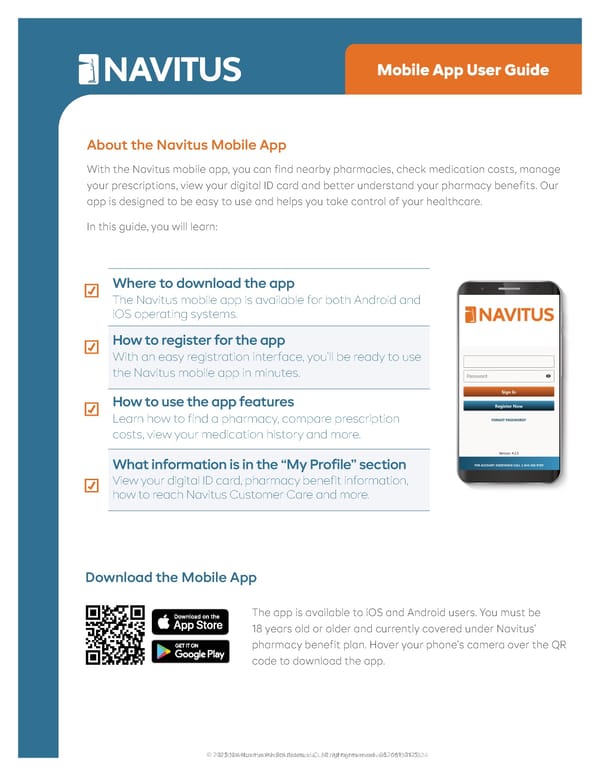
Mobile App User Guide About the Navitus Mobile App With the Navitus mobile app, you can find nearby pharmacies, check medication costs, manage your prescriptions, view your digital ID card and better understand your pharmacy benefits. Our app is designed to be easy to use and helps you take control of your healthcare. In this guide, you will learn: Where to download the app The Navitus mobile app is available for both Android and iOS operating systems. How to register for the app With an easy registration interface, you’ll be ready to use the Navitus mobile app in minutes. How to use the app features Learn how to find a pharmacy, compare prescription costs, view your medication history and more. What information is in the “My Profile” section View your digital ID card, pharmacy benefit information, how to reach Navitus Customer Care and more. ☑ ☑ ☑ ☑ Download the Mobile App The app is available to iOS and Android users. You must be 18 years old or older and currently covered under Navitus’ pharmacy benefit plan. Hover your phone’s camera over the QR code to download the app. © 2024 Navitus Health Solutions, LLC. All rights reserved. 051331-0324 © 2025 Navitus Health Solutions, LLC. All rights reserved. 052469-0125
 Navitus Mobile App User Guide Page 2