
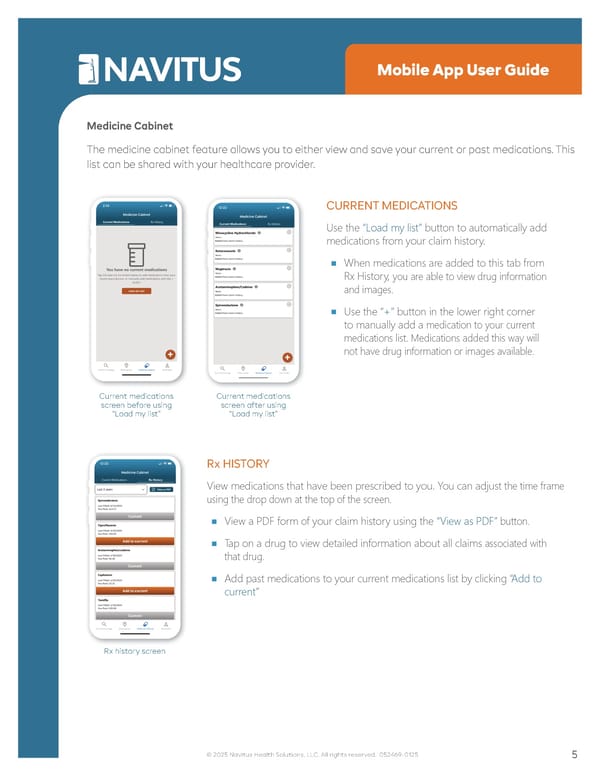
• Settings Mobile App User Guide Medicine Cabinet The medicine cabinet feature allows you to either view and save your current or past medications. This list can be shared with your healthcare provider. Current medications screen before using “Load my list” Current medications screen after using “Load my list” CURRENT MEDICATIONS Use the “Load my list” button to automatically add medications from your claim history. ■ When medications are added to this tab from Rx History, you are able to view drug information and images. ■ Use the “+” button in the lower right corner to manually add a medication to your current medications list. Medications added this way will not have drug information or images available. Rx history screen Rx HISTORY View medications that have been prescribed to you. You can adjust the time frame using the drop down at the top of the screen. ■ View a PDF form of your claim history using the “View as PDF” button. ■ Tap on a drug to view detailed information about all claims associated with that drug. ■ Add past medications to your current medications list by clicking “Add to current” 5 © 2025 Navitus Health Solutions, LLC. All rights reserved. 052469-0125
 Navitus Mobile App User Guide Page 4 Page 6